I have tried taking some photos of limited views or vignettes of the plants in our small conservatory. Because I am concentrating on small areas, I want to get the focus from front to back reasonably sharp. This entails a technique called ‘Focus Stacking’ where a number of photos are taking focussing at different points in the scene which are then processed into a single image.
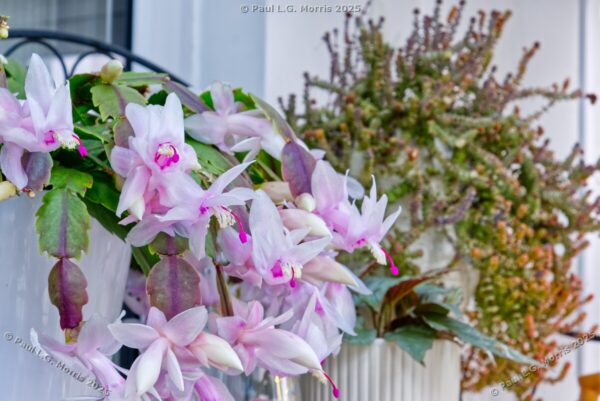
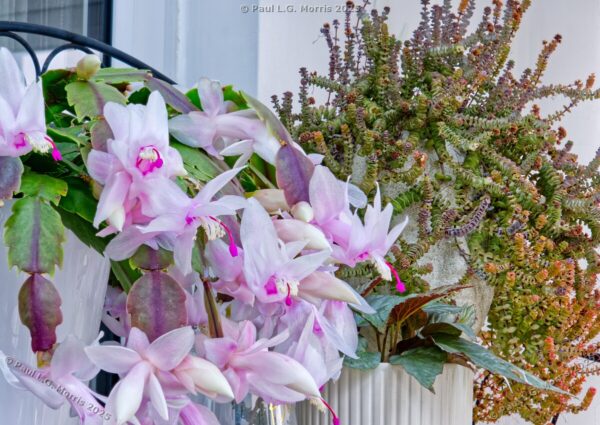
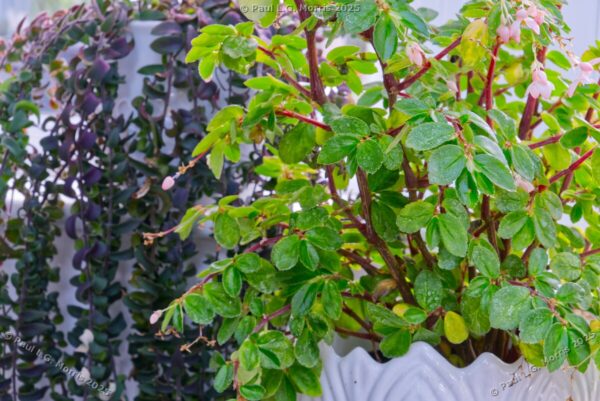
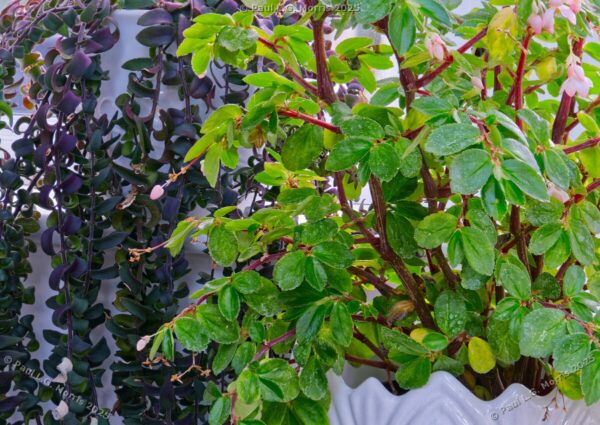
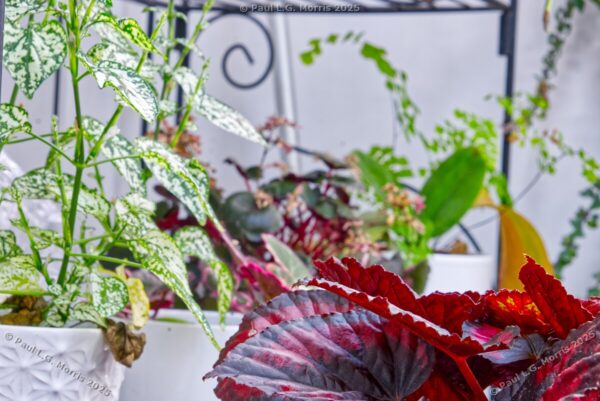
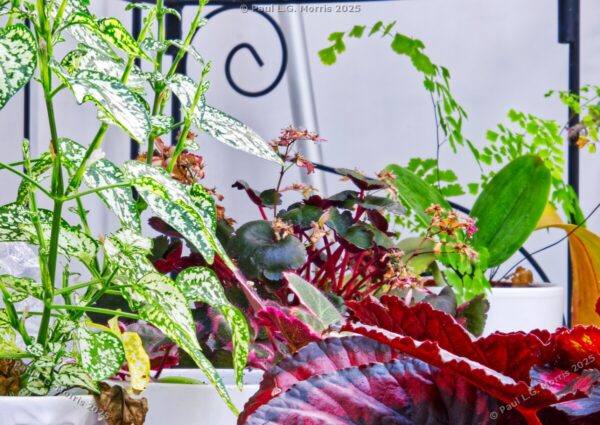
In this post I am comparing a single image with a ‘focus stacked’ version. You will notice that the registration between the images is poor – this is due to the way the software has to blend the images which also results in a photo of a different size. But you will see the difference in the focus towards the back of the image – this differs between these examples.
For each of these comparisons, the single image is the first image of ‘the stack’. I am also showing some broader photographs of the scene, sometimes with the camera in view, to provide a little context to the views.
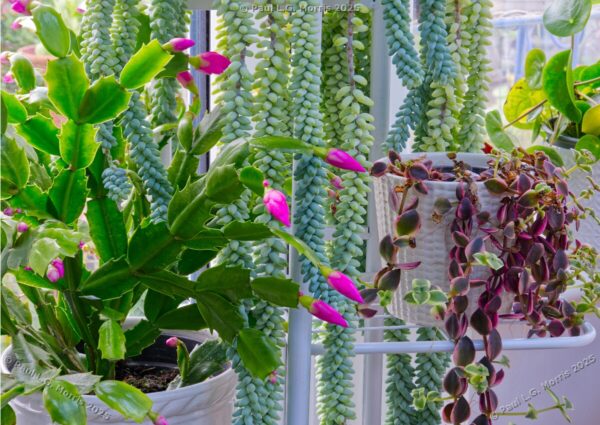
This first vignette shows a Christmas Cactus as the main subject:
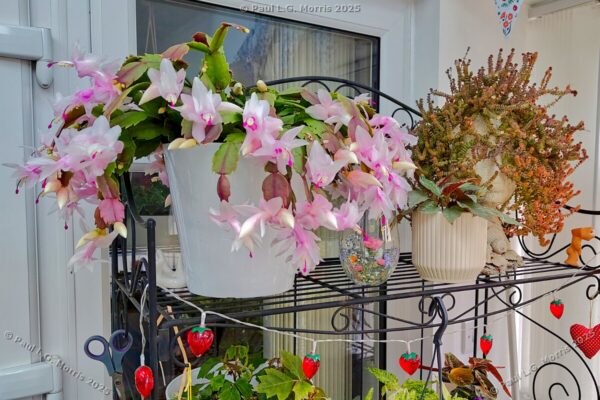
This is the broader view of the scene:
This next image shows some foliage from two different plants, one on a plant stand, one on a window cill behind:
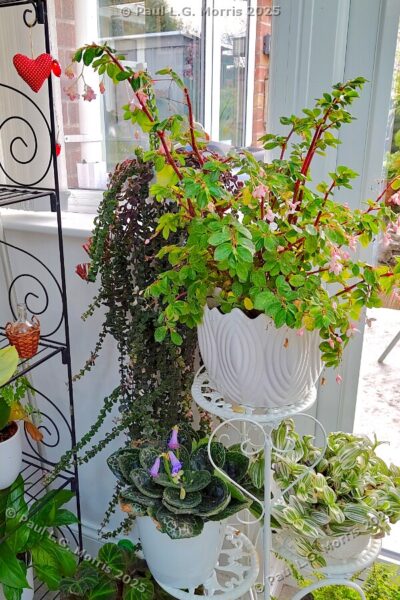
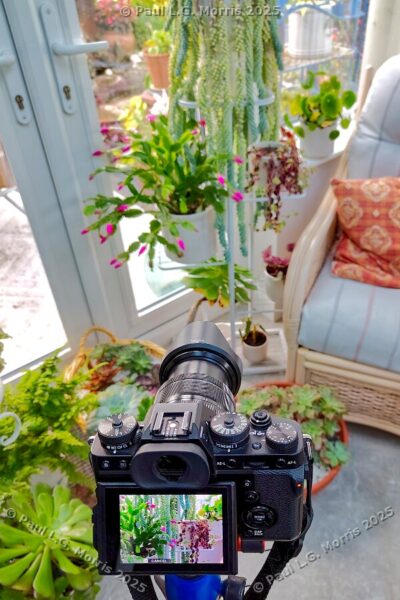
This next view is a deep pink flowered Christmas Cactus on a plant stand with other houseplants behind:
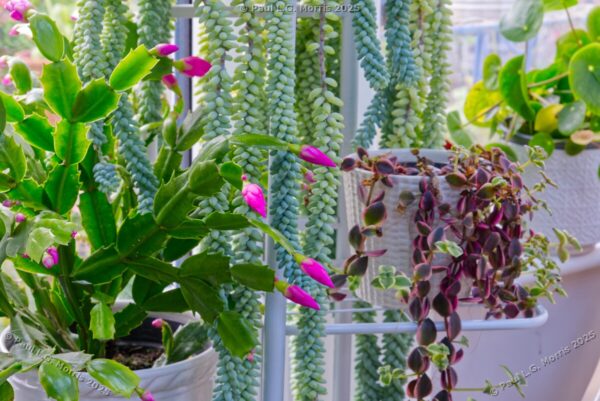
This shows the scene with the camera in place:
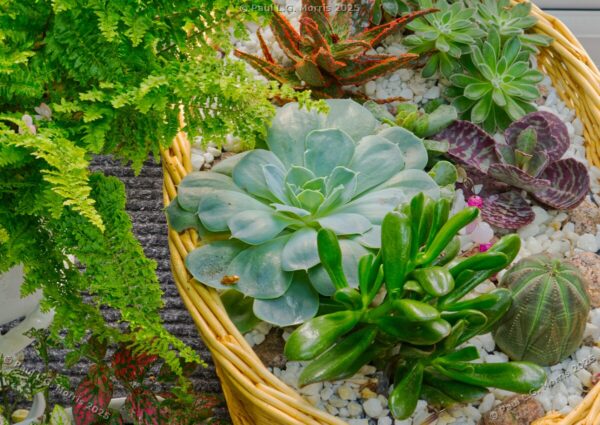
This next view is of a basket of succulents and cacti on the floor of the conservatory:

And this is the broader view with the camera showing:
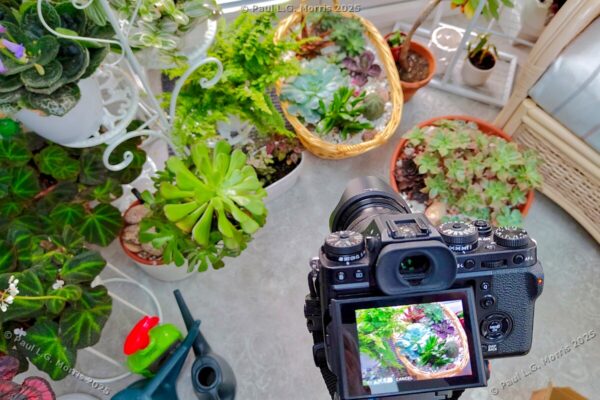
Finally, the foliage of a group of plants:
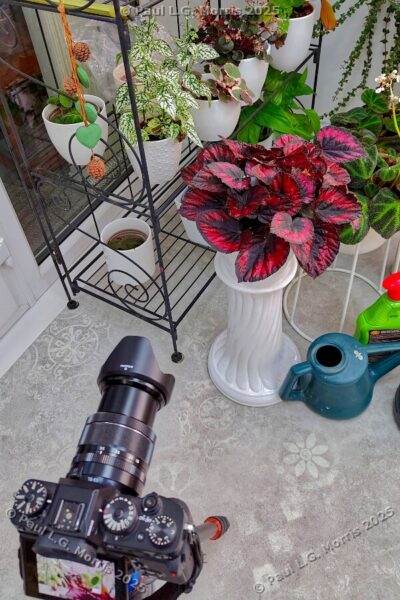
And with the setup:
I think this was a worthwhile exercise. I shall have another go in the spring when there should be more plants in flower…