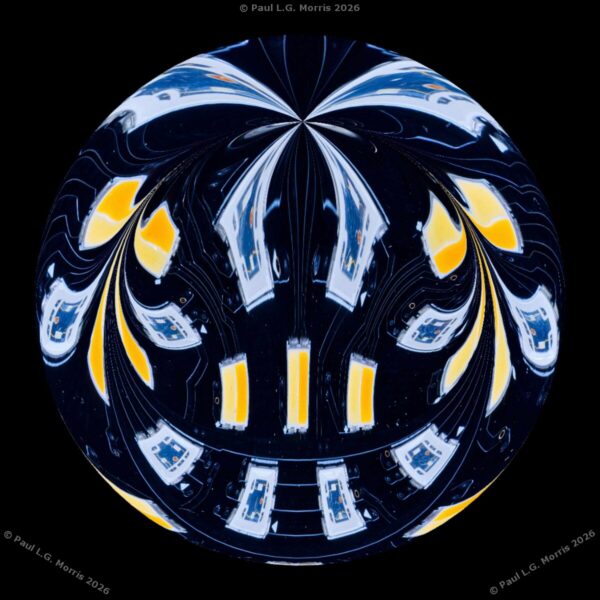
I have been browsing some tutorials on YouTube for using the Affinity Photo Editor: I found the InAffinity channel very good. One of the tutorials was for producing a ‘Klimt-like’ effect which I have been trying out. The results have been a mixed bag in that the success depends much on the original photograph, the crop and the settings used. Here are some examples using the ‘before-after; comparison tool – drag the slider to see more or less of the effect.
The first pair of photos is of a couple of plants in the garden; this is a crop from the full scene:


This next photo shows the whole scene in the garden – the bright areas didn’t turn out so well:

The next pair are of a couple of orangey-red tulips in a garden:


This is a deep purple tulip and is a crop from a larger scene:


These next ones didn’t work so well – I have found that the very bright areas do not respond so well to the technique. First are some bluebells in a wood:


And this is a magnolia flower:


Sometimes the effect is not what you expect. The next photo pair is from a member of the RPS Processing e-Circle discussion group I belong to (we have a go processing each others photos). Thanks to Kevin Payne for permission to show these photos:


I shall continue with experimenting with this effect…